
Printer Support UK: Fast, Friendly Remote Help for HP, Canon, Epson & Brother Printers
FAST. RELIABLE. PROFESSIONAL.
Printer offline? Not printing? Won’t connect to Wi-Fi? Printer Support Service helps home users and small businesses across the UK get their printers working again. Our London-based team fixes software, driver, connection and setup problems remotely, so you don’t have to pack the printer up or wait in for an engineer.
- Same-day support available [confirm]
- Support for HP, Canon, Epson and Brother printers
- Clear advice and a quote before any paid work begins [confirm]
- Secure, confidential remote sessions
FAST RESPONSE
Quick solutions when you need them most.
EXPERT TECHNICIANS
Certified professionals at your service.
Instant Solutions
All-in-One Printer Software Support
CALL US NOW
08000116105
Mon-Sat (9 AM To 6 PM)
Why Printer Problems Happen (and Why Most Can Be Fixed Remotely)
Most printer faults are not broken hardware. They come from the way the printer, your computer and your network talk to each other. A Windows update can replace a working driver. A new router can change the Wi-Fi name. A print queue can stall on a single stuck document. The printer looks dead, yet the cause is usually a setting or a piece of software. These are the problems we can diagnose and fix over a secure remote connection. If we find a physical fault, such as a worn roller or a failed print head, we will say so honestly and explain your options. You will not be sold a repair that won’t help.
Printer Problems We Fix
Printer Not Printing
Your document is sent but nothing comes out. Common causes include a stuck print queue, the wrong default printer, a damaged driver, a paused printer or a lost connection. We find the cause and clear it.
Printer Offline
Windows or macOS shows the printer as “Offline” even though it is switched on. This usually points to a changed IP address, a Wi-Fi drop, the wrong port setting or a conflicting driver. We reconnect it and make the fix last.
Paper Jams and Paper Feed Errors
Repeated jams can come from the wrong paper type, damp paper, a dirty pick-up roller or a software setting. We talk you through safe ways to clear a jam, check the paper settings and tell you if a part needs replacing.
Error Messages and Support Codes
We explain what the message on your printer or screen actually means, whether it is a cartridge, communication or hardware error, and what to do next.
Print Quality Problems
Streaks, faded text, missing colours, blurry output and lines across the page can come from blocked nozzles, cartridge problems or wrong print settings. We run through cleaning and alignment steps and check your settings.
Software and Driver Errors
A missing, outdated or corrupted driver stops a printer working properly. We install the correct manufacturer driver for your exact model and operating system.
Network and Wi-Fi Problems
Can’t connect the printer to your wireless network, or it disconnects again and again? We set up the connection, check the router settings and make sure your computer, phone and tablet can find the printer.
New Printer Setup and Installation We help you unpack, configure and install a new printer. That covers connecting it by USB or Wi-Fi, installing the software and running a test page, so you can start printing with confidence
WE FIX ALL PRINTER ISSUES
Who We Help
- Home users who want a new printer connected, or a printer fixed so the family can print again
- Students who need reliable printing for coursework and deadlines
Home workers and freelancers who can’t afford to lose a day to a printer fault
- Small businesses and offices that need a quick fix with the least disruption
We support customers across the UK, including England, Scotland, Wales and Northern Ireland, from our office in London.
PROFESSIONAL PRINTER TECH SUPPORT SERVICES

0 %
CUSTOMER SATISFACTION GUARANTEED
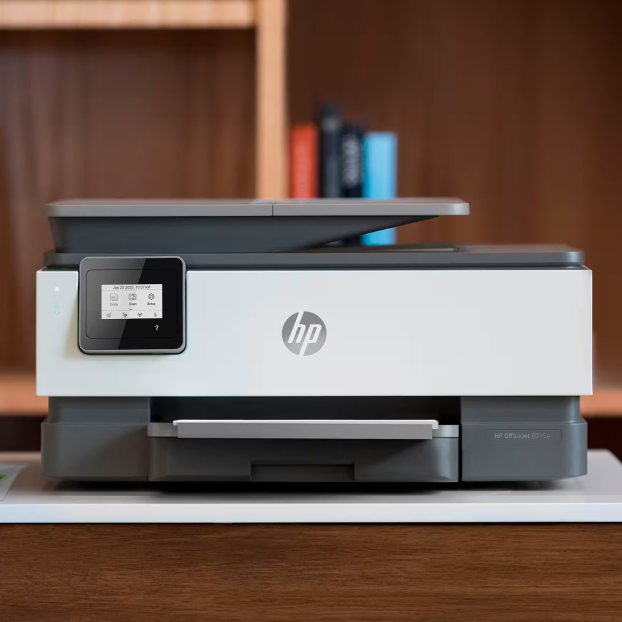
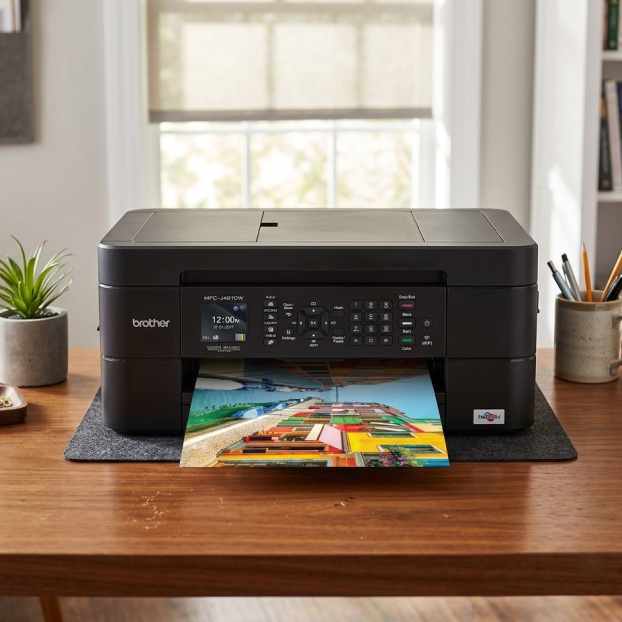
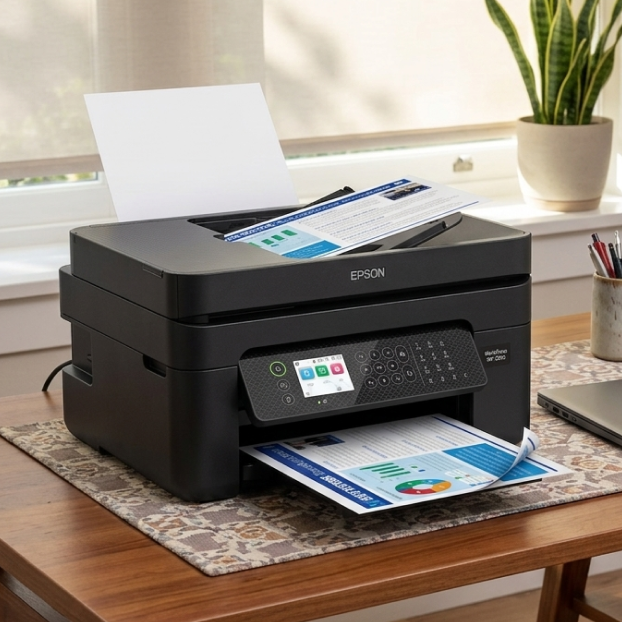
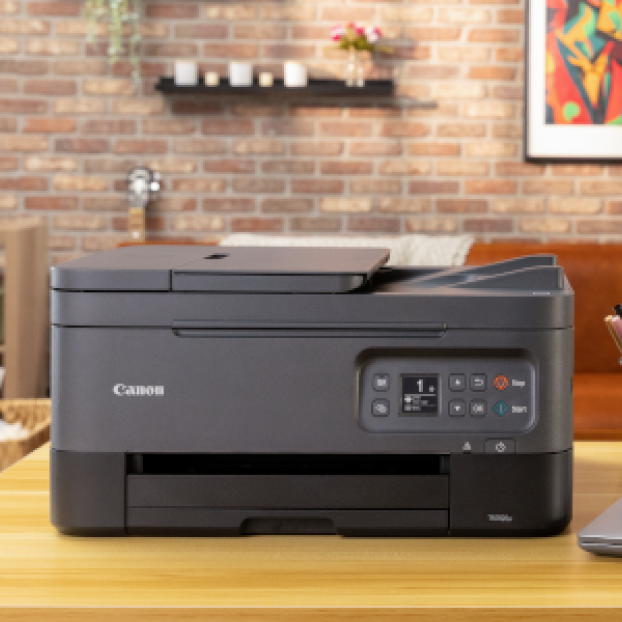
Expert Printer Tech Support in UK for All Major Brands
- Instant Support Available
- Certified Technical Experts
- Plain-English explanations
- Support for all four major brands
- Transparent Pricing
- Fast Issue Resolution
- Secure & Confidential Service
- UK-Based Support Team
- Fix-first approach
- Nationwide Printer Support Across the UK
We can't fix remotely (these need a hands-on engineer)
- Broken or worn rollers, gears and fuser units
- Failed print heads
- Damaged circuit boards or screens
- Physical paper path damage
We can usually fix remotely
- Printer offline or not detected
- Print queue and spooler problems
- Driver installation, updates and removal
- Wi-Fi and network connection setup
- New printer installation and test printing
- Scanning to computer setup
- Wrong or incorrect print settings
- Mobile and tablet printing setup
What Our Clients Say
SUPPORT FOR ALL MAJOR PRINTER BRANDS






Your Security and Privacy
- You are in control. A remote session only starts when you agree to it. You can see everything on screen and stop it whenever you like.
- We stick to the printer problem. We work only on the printer, its drivers and its connection.
- We never ask for banking details, card numbers or personal passwords. A genuine printer fix does not need them.
Your information stays private. We do not share your details with anyone else.
We are an independent service. We are not affiliated with, sponsored by or endorsed by HP, Canon, Epson, Brother or any other manufacturer. Brand names are used only to describe the printers we support.
NEED IMMEDIATE PRINTER SUPPORT?
Secure & Confidential Service
Friendly UK Based Support
Nationwide Support Across the UK
Frequently Asked Questions
What does the Printer Support Service do?
We are an independent printer technical support service. We help UK customers with printer setup, driver installation, Wi-Fi connection, offline problems, error messages, print quality issues and other software and connection faults for HP, Canon, Epson and Brother printers.
Which printer brands do you support?
We support HP, Canon, Epson and Brother printers, including inkjet, laser and all-in-one models. If you use another brand, call or email us and we will tell you whether we can help.
Why does my printer say “offline” when it is switched on?
The printer is on, but your computer can’t communicate with it. The usual causes are a lost Wi-Fi connection, a changed IP address, a paused printer setting, a wrong port or a faulty driver. We find which one it is and fix it.
Why is my printer not printing even though it has ink?
Common causes are a stuck print job in the queue, the wrong printer set as default, a corrupted driver or a connection fault. Blocked print nozzles on inkjet printers can also stop output. We check each one in turn.
How do I connect my printer to Wi-Fi?
The steps differ by brand and model. In general you join the printer to your Wi-Fi network from its control panel or setup software, then add it on your computer or phone. If it fails, our team will take you through it step by step.
Do I need to install a driver for my printer?
Usually yes. A driver is the software that lets your computer and printer communicate. Some systems install a basic driver automatically, but the full manufacturer driver gives better print quality and unlocks features such as scanning. We find and install the right one for your exact model.
Is remote printer support safe?
It is safe when done properly. You approve every session, you can watch what happens and you can end it at any time. We never ask for your bank details, card numbers or personal passwords. Be careful with anyone who contacts you out of the blue claiming your printer or computer has a problem.
Can you fix a paper jam remotely?
We can guide you through clearing a jam safely and check the paper settings that often cause repeat jams. If the cause is a worn roller or damaged paper path, that needs a hands-on repair and we will tell you so.
Do you help with the new printer setup?
Yes. We help you set up and install a new printer, connect it by USB or Wi-Fi, install the software and run a test print.
Can you help me print from my phone or tablet?
In most cases, yes. Many modern printers support mobile printing through the manufacturer’s app or built-in services. It depends on your printer model and device, so tell us both when you contact us.
Bath | Birmingham | Bradford | Brighton & Hove | Bristol | Cambridge | Canterbury | Carlisle | Chelmsford | Chester | Chichester | Colchester | Coventry | Derby | Doncaster | Durham | Ely | Exeter | Gloucester | Hereford | Kingston-upon-Hull | Lancaster | Leeds | Leicester | Lichfield | Lincoln | Liverpool | London | Manchester | Milton Keynes | Newcastle-upon-Tyne | Norwich | Nottingham | Oxford | Peterborough | Plymouth | Portsmouth | Preston | Ripon | Salford | Salisbury | Sheffield | Southampton | Southend-on-Sea | St Albans | Stoke-on-Trent | Sunderland | Truro | Wakefield | Wells | Westminster | Winchester | Wolverhampton | Worcester | York | Aberdeen | Dundee | Dunfermline | Edinburgh | Glasgow | Inverness | Perth | Stirling | Armagh | Bangor (Northern Ireland) | Belfast | Lisburn | Londonderry | Newry | Bangor (Wales) | Cardiff | Newport | St Asaph | St Davids | Swansea | Wrexham